Features / GEO
See what the world published while the session traded.
Government notices, sea and air traffic, GPS interference, weather and disasters, internet outages and reading attention, from public sources. Each record carries its time and its source and is measured against its own normal, so a quiet day reads quiet. Context for a session, never a forecast.
Free to read, no account. Geo alerts, the API and Team are Geo's own plans: Geo plans.
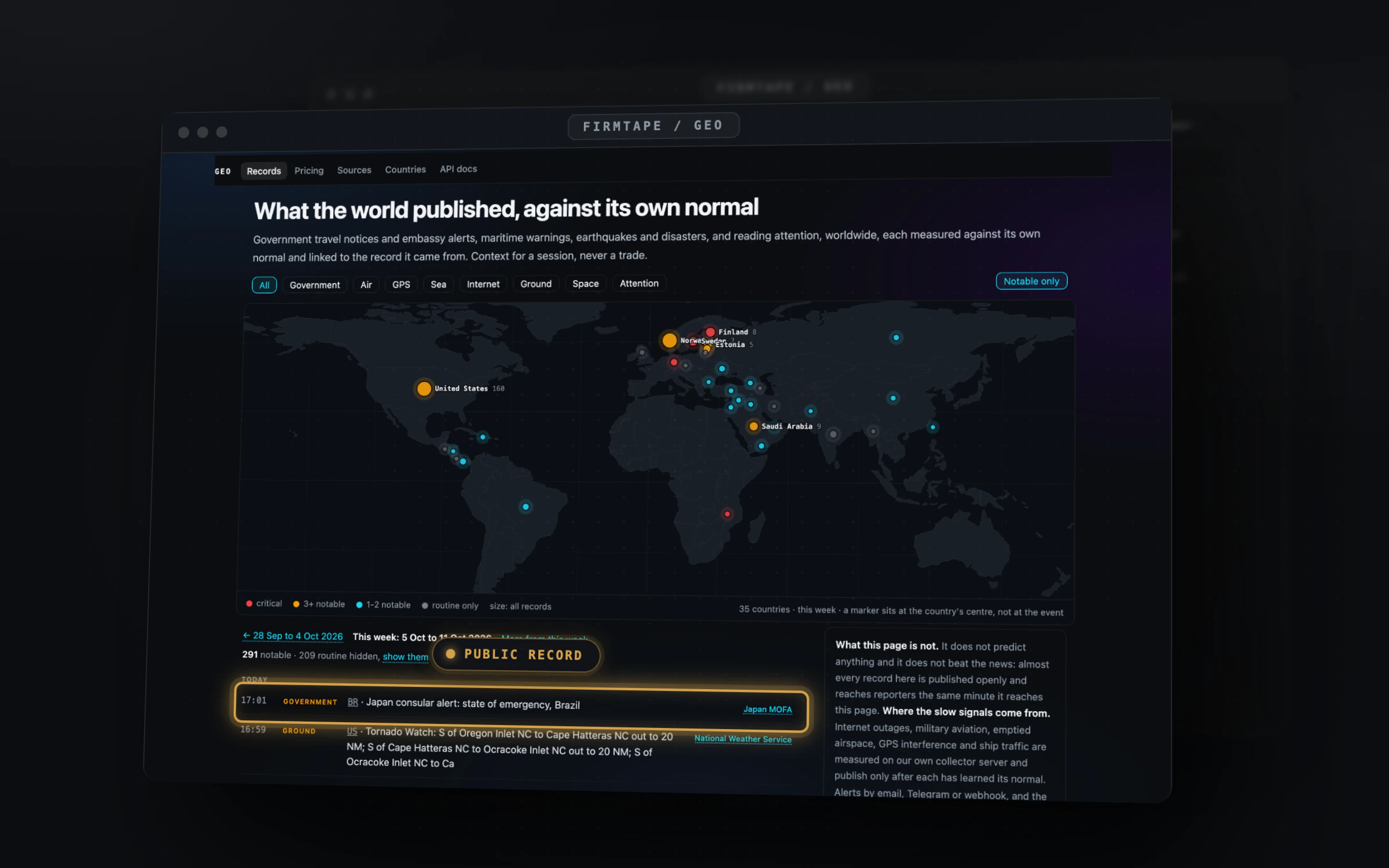
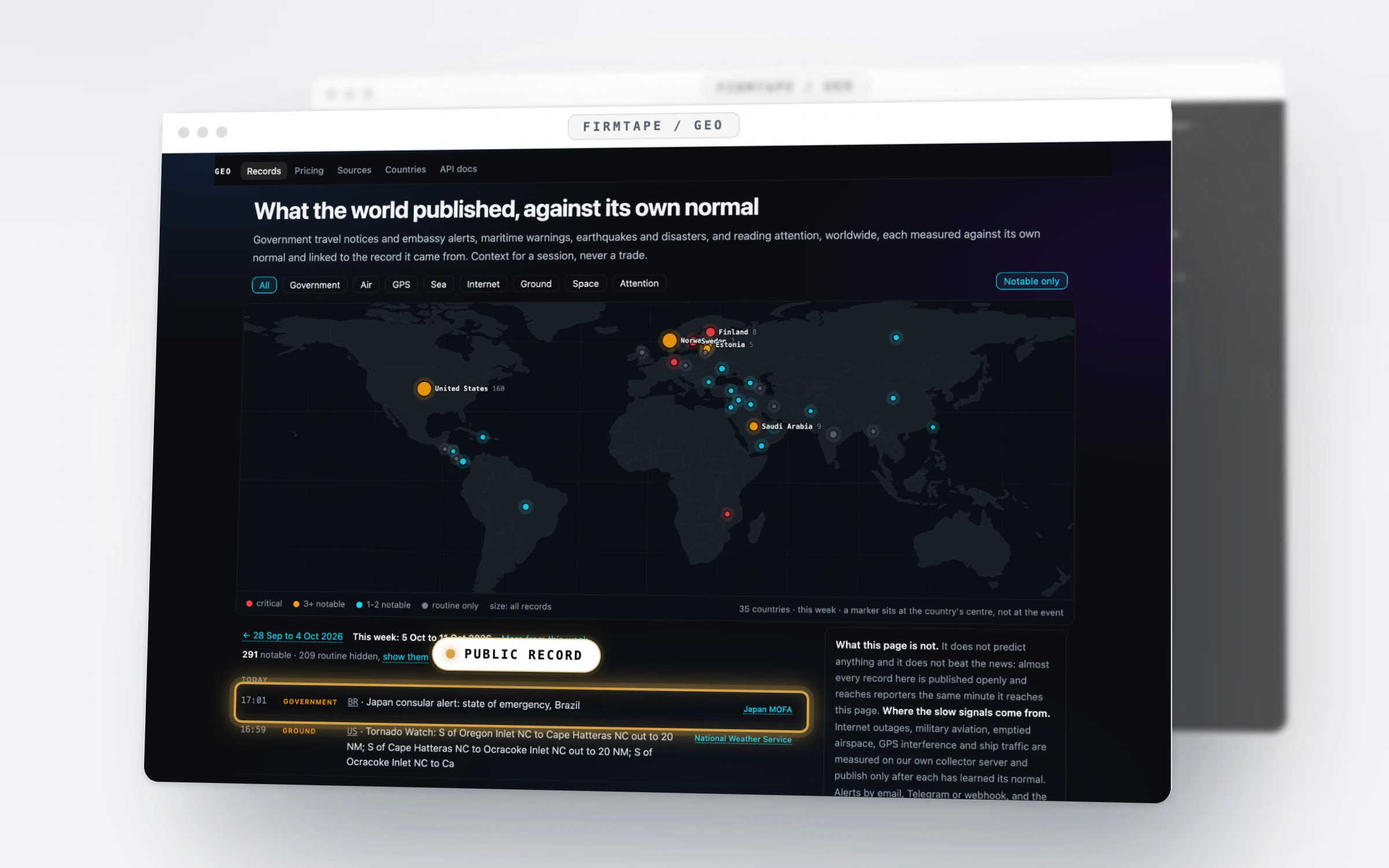
The problem
A jump on the chart sends you to a dozen sites to find out what else happened.
- Official notices, maritime warnings and air status live on separate public sites, each in its own format.
- A feed that lists everything buries the one record that is unusual for its country under a hundred routine ones.
- A headline seen after the move does not say when the record itself was published.
With GEO
Public records in one list, each against its own normal.
Geo reads public sources by sector (government, air, GPS, sea, internet, ground, attention), stamps each record with the time its source published it, and marks it notable only when it stands out against that source's own normal for the country. The same list sits beside the chart, so a minute on the tape can be read next to what was published around it.
How it works
Step by step
-
01 / 04
Open the list beside the chart
Press the globe on the toolbar, or W. The last 24 hours of records open beside the chart, times in ET, with how many sources are fresh.
In the guide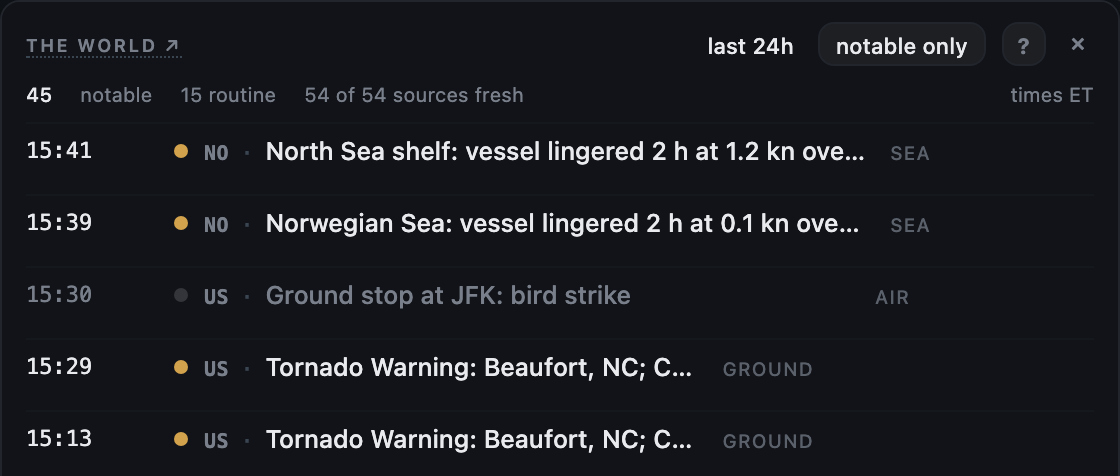
-
02 / 04
Keep only what stands out
notable only hides the routine rows. Each row keeps its country, its sector and a link to the record it came from.
In the guide -
03 / 04
Pick a sector on the map
At /geo the map sizes each country by its records this week. The chips narrow it to government, air, GPS, sea, internet, ground or attention.
In the guide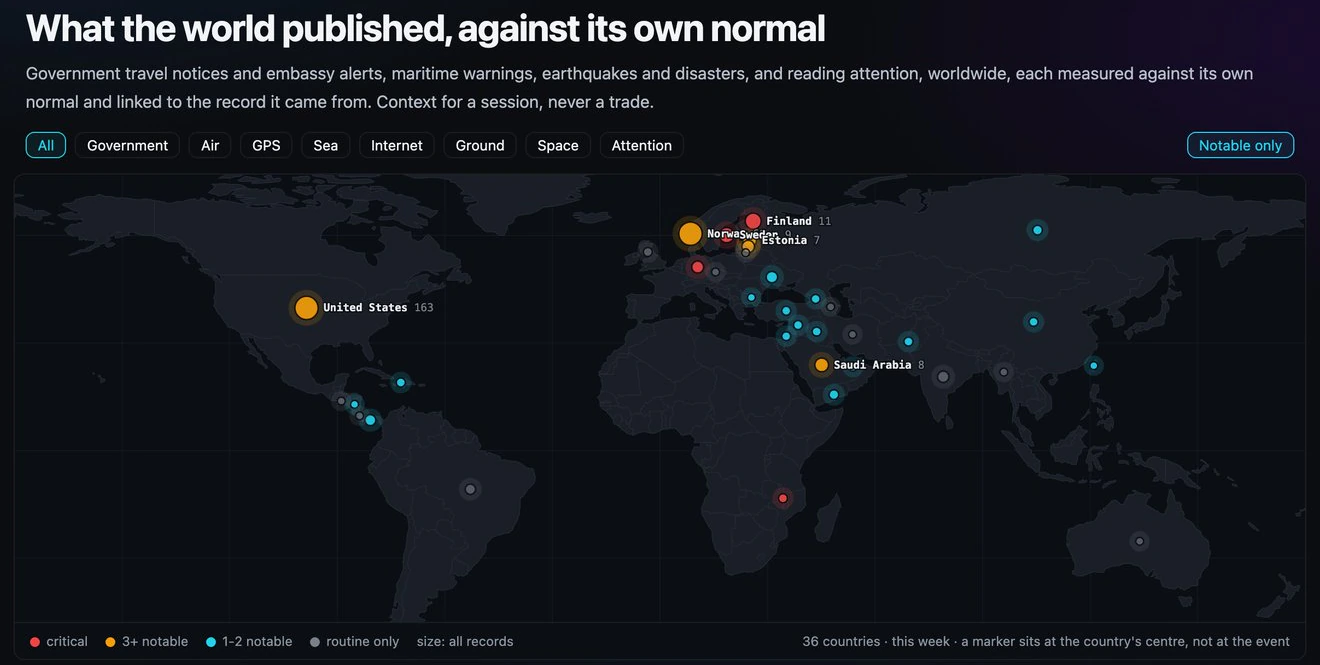
-
04 / 04
Go back a week
Every week keeps its own page. The tiles count the records and the notable ones, week by week, for the last thirty days.
In the guide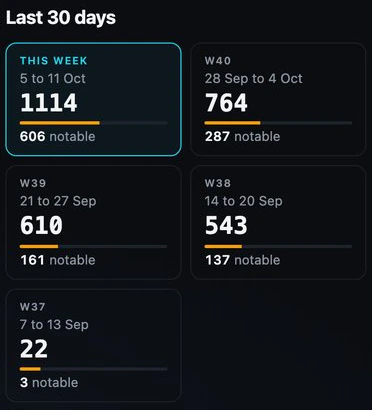
Capabilities
What you can do with GEO
Beside the chart
The last day of public records next to the session, on the same ET clock.
In the guideThe world map and feed
Every country sized by what it published this week, each record linked to its source.
In the guideEvery week on its own page
The record count and the notable ones for each week, back through the archive.
In the guide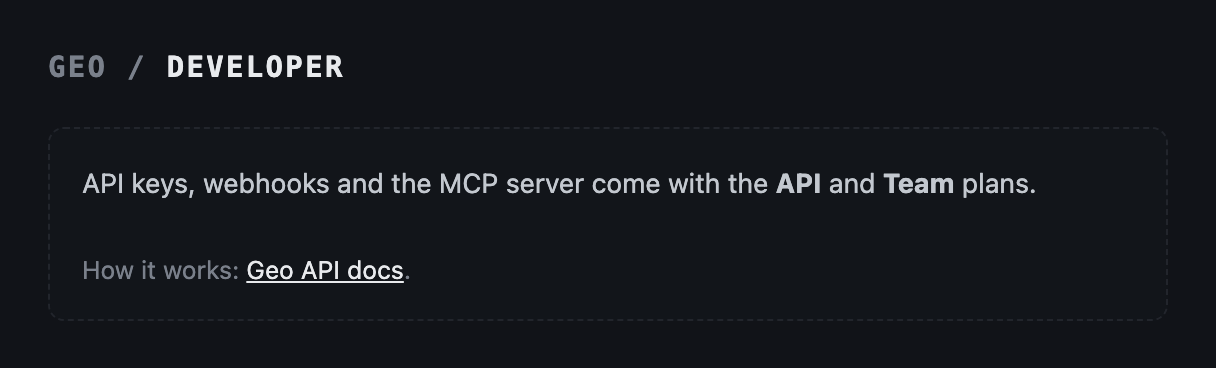
The records in your own tools
The API, signed webhooks and an MCP server come with Geo's API and Team plans.
In the guideEvery feature
Everything in GEO
8 features · 3 groups. Each one is written up in the GEO guide.
Look it up 6
- The GEO list beside the chartKeep the world's public records beside the session by opening the GEO list from the toolbar.
- The map and the feedSee which countries published unusual records this week by opening the map at /geo.
- Sectors and countriesNarrow the records to one kind or one place by picking a sector chip or a country page.
- Notable onlyHide the routine rows and keep what stands out by leaving notable only on.
- WeeksRead any past week's records by following the week links or the week tiles.
- SourcesCheck which public sources answered and how fresh each is on the sources page.
Get told 1
- Geo alertsBe told the minute a matching record lands by writing an alert rule for the countries, sectors and sources you pick.
Build on it 1
- The API, webhooks and MCPPut the records into your own scripts, dashboards and AI agents with the Geo API and Team plans.
What it gives you
Why it is worth a place on your screen
One place for public records
Travel notices, maritime warnings, GPS interference, air status and disasters, each linked to the record it came from.
The unusual first
Notable only hides the routine rows, and the map sizes each country by how much it published against its normal.
Context on the same clock
Times in ET beside the SPX chart, so you read what was published around a minute without leaving the session.
Free to read, no account. Geo alerts, the API and Team are Geo's own plans: Geo plans. Plans and prices.
Add to GEO
Add to GEO: Geo API, Geo Team
Works with
GEO with the rest of FirmTape
FAQ
Questions about GEO
- Does Geo predict market moves?
- No. It lists public records with their sources and times. It does not forecast an event, a move or a cause.
- Is Geo faster than the news?
- No. Almost every record is public the minute it is published and reaches reporters at the same time. Geo puts them in one place, measured against their normal.
- What does notable mean?
- A record stands out against its own source's normal for that country. Routine rows are hidden by default and one click shows them.
- Do I need an account?
- No. The pages, the list in the terminal and the open JSON are free to read. Alerts, the API and Team are Geo's own plans.
- Where do the records come from?
- From public sources, each named on its record and listed with its freshness at /geo/sources.
What it does not do
- It does not forecast events or the market, and it never says what to trade.
- It does not claim to know first: records are public when they are published.
- It does not mark the location of an event on the map: a marker sits at the country's centre.
See what the world published while the session traded.
What the world published, from public records, as context for the session